



























Overview
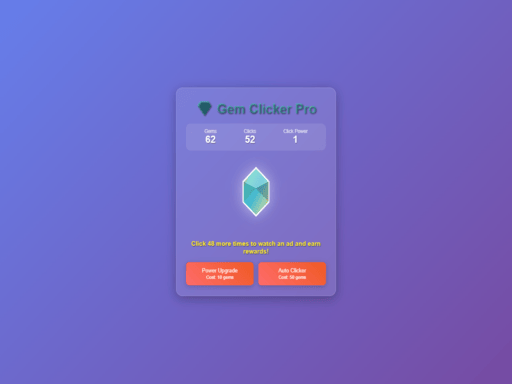
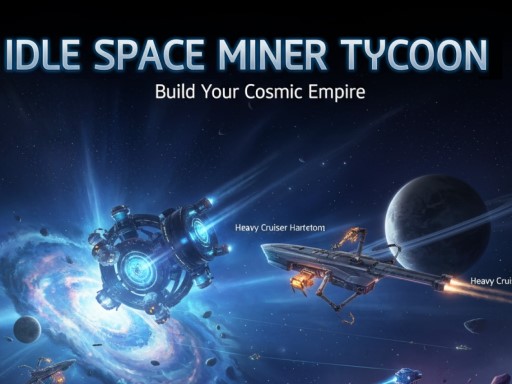
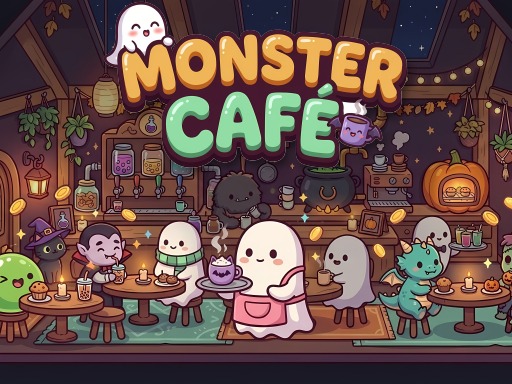
Shit Clicker collects browser games built around a growing number. A clicker starts with a repeatable action that pays out points, coins, or materials. Idle games share that growth loop, but shift more of the work to producers, employees, or machines once you can pay for them. Incremental games can use either style, and the interesting choice is often deciding where to spend the next batch of resources.
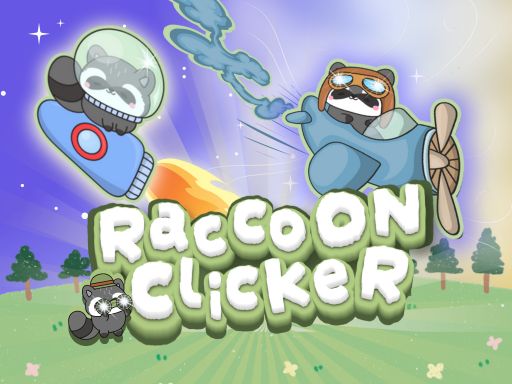
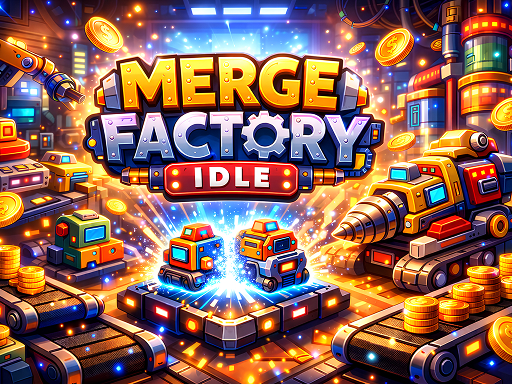
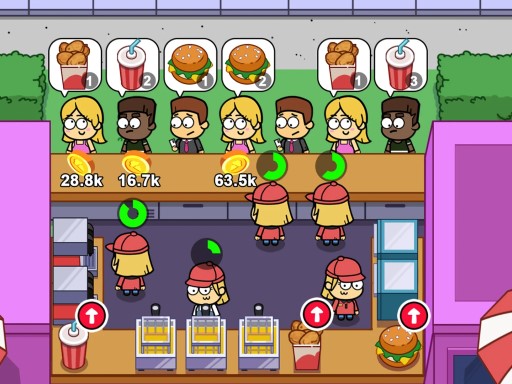
The featured game, Cosmic Clicker, starts with points earned by clicking celestial objects. Later purchases change the pace of play, and missions, achievements, artifacts and Rebirth give you goals beyond the next purchase. For a change of pace, Raccoon Clicker starts with coins and helpers, Resource Empire makes you balance mining with transport and storage, and Merge Factory Idle has you combine matching machines to improve production.
Publisher source ↗How to play
Select Play now, then Start Game inside Cosmic Clicker. Tap or click a celestial object and watch the score change. Look for the per-click and per-second readouts so you can tell manual earnings from the points your upgrades generate.
Open the upgrade controls and start with an affordable upgrade. Check the relevant readout before and after buying. Once your automatic rate starts growing, use the next few minutes to see what happens when you alternate between tapping and letting the game run.
Use missions and achievements as short-term targets if several upgrades look equally useful. When you reach a Rebirth option, read its description before committing. It can reset progress in exchange for a lasting benefit, so check what you will keep in that specific game.
Controls
On desktop, choose Start Game with the mouse, then use the pointer on the stars or the game’s upgrade controls. On a phone, tap those same controls. Use the button at the top of the window to go full screen. The controls belong to the embedded game, so keyboard shortcuts and touch gestures differ across the catalog.
The close button returns you to this page. Reload game reconnects to the current publisher iframe. If you switch between games, treat their balances and saves as separate. Look inside each game for the save and offline-production settings.
Upgrade tips
Compare the return on two upgrades
A producer that costs 120 points and adds 4 points per second takes about 30 seconds to earn back its cost. One that costs 180 and adds 9 per second takes about 20 seconds. If both are available, the higher sticker price can have the shorter payback.
Spend for the session you are playing
A manual upgrade does more for you when you have time to keep tapping. An automatic producer can be the better next purchase when you are done with active play. In shop and factory games, first check whether the materials are piling up at storage or checkout. Increasing output at the wrong step may leave your actual income unchanged.
Pick a useful comparison game
Try Idle Tomato Clicker if you want a resource you convert before buying upgrades. Try Idle Dairy Tycoon to see how a single manual producer turns into a wider operation. If you prefer a short, direct session, open Carrot Clicker Game and see what your first helper does to the collection rate.
Upgrade guide →FAQ
Are the games hosted by Shit Clicker?
The site lists games and runs them in windows using the publisher’s game embeds. The featured iframe is Cosmic Clicker. The rest of the catalog has individual pages with the actual game name and its publisher source.
What is the difference between idle and incremental?
Incremental describes growth through repeated purchases and higher output. Idle describes a game that can do part of the work automatically while running. A game can be both, and offline rewards depend on that game’s own rules.
Can I play without installing anything?
Open a game page and select Play now. The game runs in a browser window on this site. Loading time varies with the provider, the game size, and your connection.
How do I handle a slow load?
Give the publisher’s loading screen time to finish. If it stalls, use Reload game. Full screen or landscape orientation can help if the game is wide.