
Overview
Earn gold by clicking the box and spend it on upgrades that increase your haul.
Publisher source ↗How to play
Select Play now to open the game window. Follow the opening prompt, collect the first spendable resource and look for the first purchase or unlock.
For the first few minutes, watch the balance immediately before and after using the main action. That gives you a baseline. Check it again after the first upgrade to see whether the purchase improved each action, unlocked a separate producer, or just moved you closer to the next goal.
How to play →Controls
On desktop, click the main game target and the on-screen shop buttons. On a touch screen, use the corresponding taps.
Upgrade tips
Compare the price of the next upgrade with the extra resource it gives per action. If the game has a producer, try it when you want progress with fewer taps. Leave enough of your starting balance to reach the next unlock.
Upgrade guide →FAQ
Where does the game open?
It opens inside a game window on this page. Close the window to return to the guide and related games.
Is my progress saved?
The embedded game manages its own saves. Check its settings for a save option and use the same browser and device to return. Offline income depends on the game.
How do I handle a slow load?
Give the publisher’s loading screen time to finish. If it stalls, use Reload game. Full screen or landscape orientation can help if the game is wide.
Related games

Cosmic Clicker
Tap celestial objects for points and reinvest in upgrades, missions and rebirth bonuses.

Raccoon Clicker
Tap a raccoon for coins and spend them on helpers, parks and increasingly unlikely ways to expand your raccoon colony.

Idle Tomato Clicker
Harvest tomatoes with the big button, exchange the crop for money, and reinvest in upgrades that grow the next harvest.

Pizza Clicker Tycoon
Click a pizza for earnings and use the shop to unlock new toppings and production upgrades.

Idle Dairy Tycoon
Collect milk, sell it for coins, and grow from a single cow into an automated dairy business.
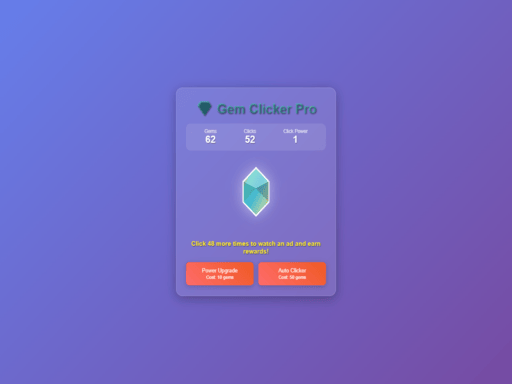
Gem Clicker Pro
Collect gems by clicking and spend your haul on upgrades that increase gem production.